What you will make
- A raised name tag key ring
- An engraved sign and a stencil
- Springs, a flower ring and a gyroid cube
- A round honeycomb coaster and a vent cover
Step by step
The Text shape
Type your words and choose from 48 fonts, including Hebrew and Arabic. You can also bring your own .ttf or .otf font.
A raised name tag
Put the text on top of a tag, add a ring for the key ring, and Merge it all into one printable piece.
Engraved and stencil text
Switch the text to a hole to engrave it into a sign. For a stencil that cuts all the way through, use a stencil font so the middle of each letter stays attached.
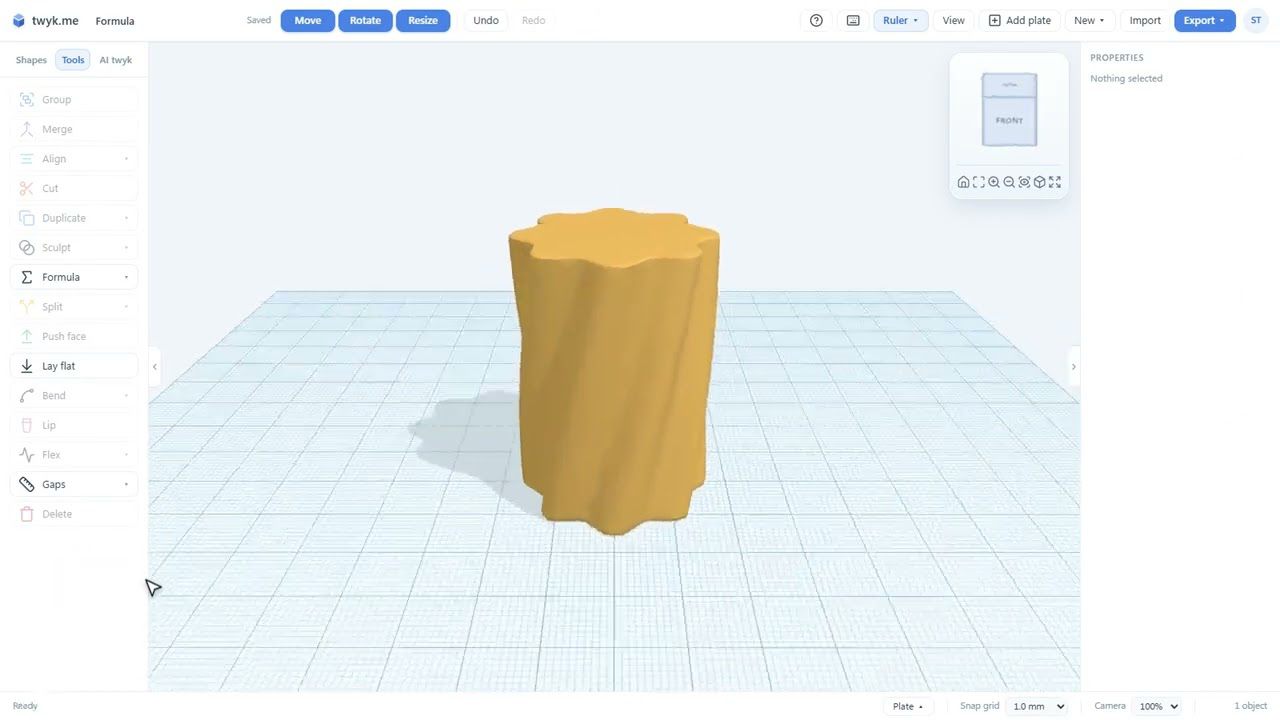
Formula: curves
Formula turns a bit of maths into a shape. Start with the curve presets, such as a spring, and change the settings to see it respond.
Your own formula
Write your own formula for a curve, like the flower ring in the video, and tune it until it looks right.
Surfaces and solids
Formula comes in three kinds: curves, surfaces and solids. Solids give you shapes like the gyroid cube.
Tiles
Tiles fill a shape with a repeating pattern such as honeycomb. Set the cell size, wall, border and base, and cut a tile to any outline.
A round coaster
Put it together: a round honeycomb coaster, and the same tiles reused as a vent cover.
What you will learn
- The Text shape and its 48 fonts
- Raised vs engraved text, and when to use a stencil font
- The three kinds of Formula shape: curve, surface and solid
- Writing your own formula
- Every Tiles setting: cell size, wall, border and base
- Cutting a tile to any outline
Want the written version? The help guide covers each tool in detail: Name tag step by step · Spring step by step · Text · Formula · Holes.
Ready to build it?
twyk is free and runs in your browser. Sign in with Google, open the editor and follow along.
Frequently asked questions
Can I use my own fonts for 3D text?
Yes. twyk has 48 built-in fonts, including Hebrew and Arabic, and you can bring your own .ttf or .otf file.
How do I engrave text instead of raising it?
Set the text to a hole and sink it into the shape. The video shows raised, engraved and stencil text side by side.
What is a Formula shape?
A shape drawn from a maths formula. There are three kinds, curves, surfaces and solids, with 19 presets such as springs, knots, shells and gyroid lattices, and you can write your own.
Can tiles be any shape, not just a square?
Yes. You can cut a tile to any outline, which is how the video makes a round coaster and a vent cover.