What you will make
- A mounting plate with bolt holes
- A flexi ring, flex-tested in PLA
- A vent cover from honeycomb tiles
- A lighthouse built with code
Step by step
Shapes, holes and Merge
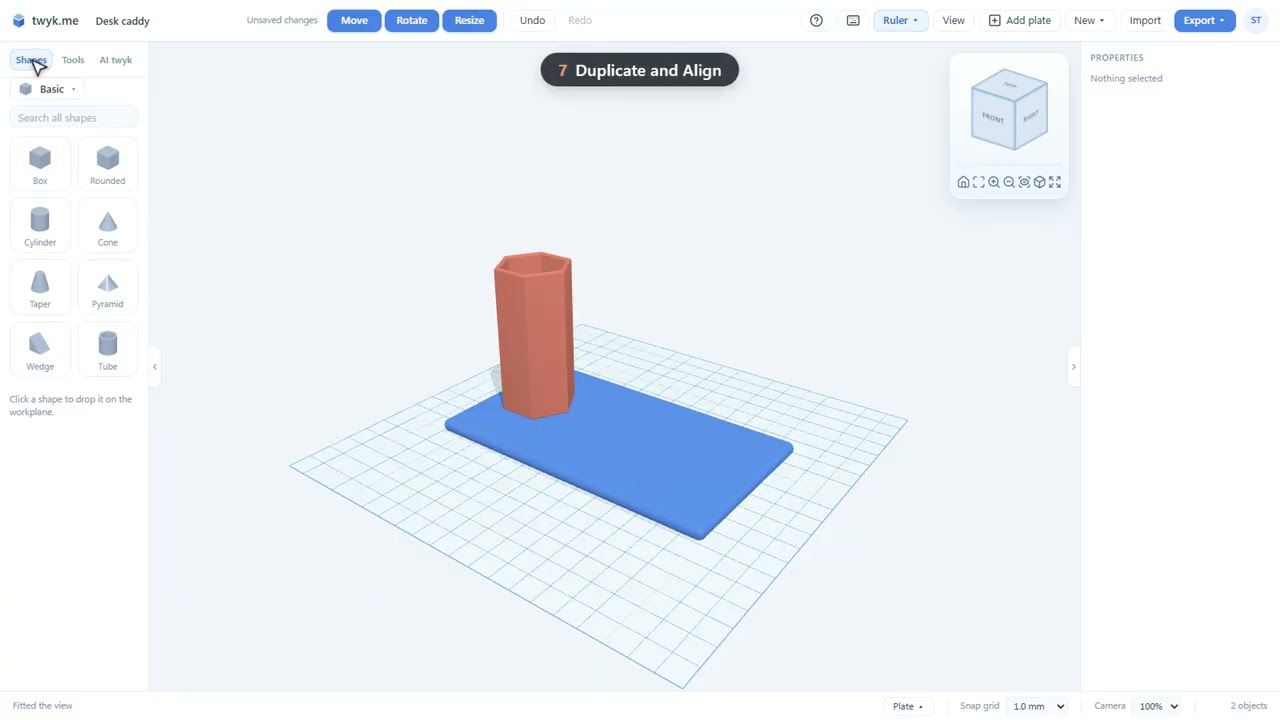
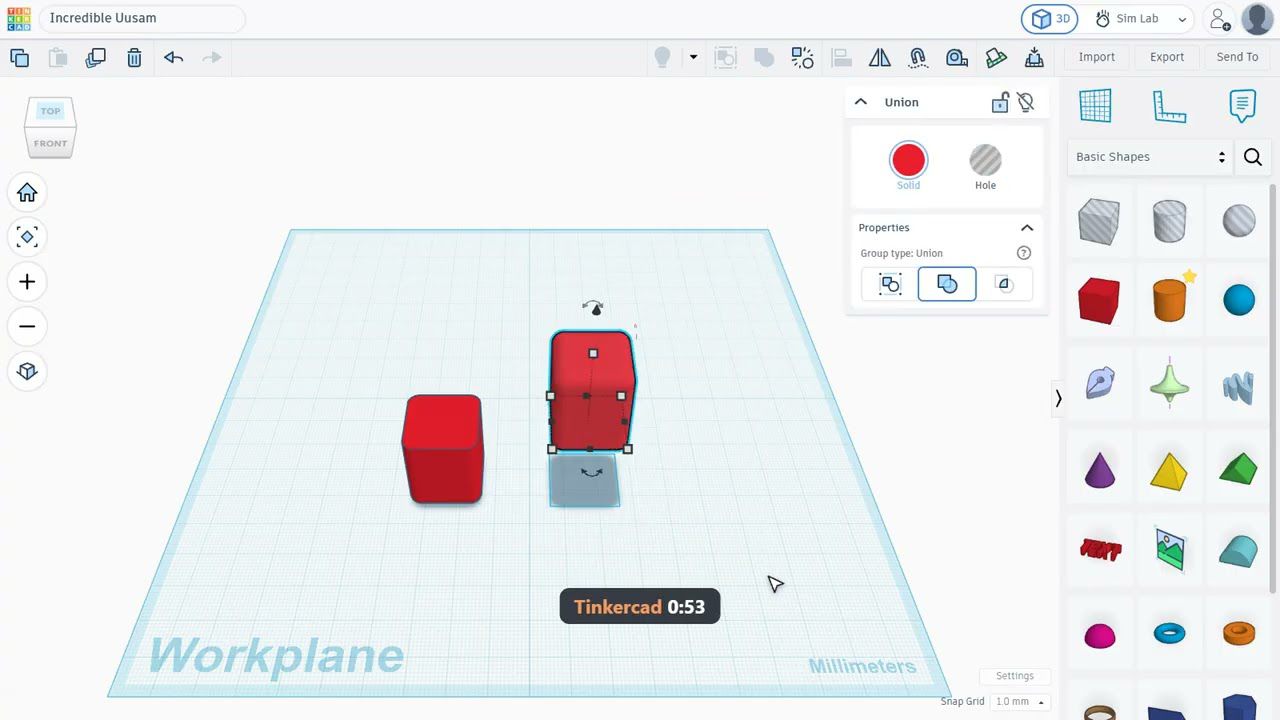
Drop shapes onto the plate, cut holes through them and Merge the result into one solid. The tour builds a mounting plate with bolt holes in under a minute.
Text and fonts
Add text in 48 fonts, with Hebrew and English together the right way round, so a name tag or sign takes seconds.
Formula shapes
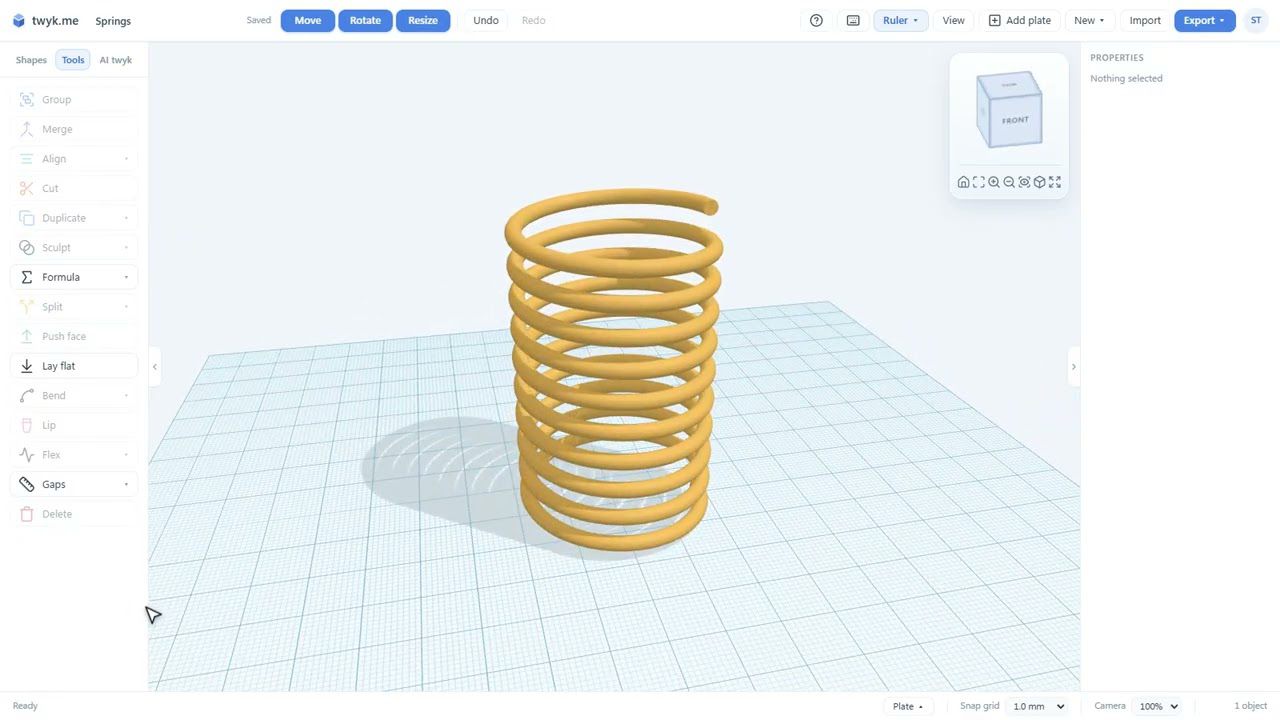
Springs, knots, seashells and gyroid lattices come straight from maths, with settings you can change later.
Tiles
Infill-pattern panels such as honeycomb, turned here into a vent cover.
Repeat and Flex test
Repeat a shape in a ring to make a flexi ring, then run the flex test to see whether it bends or snaps in PLA before you spend filament.
Hollow, Lip, Cut and X-ray
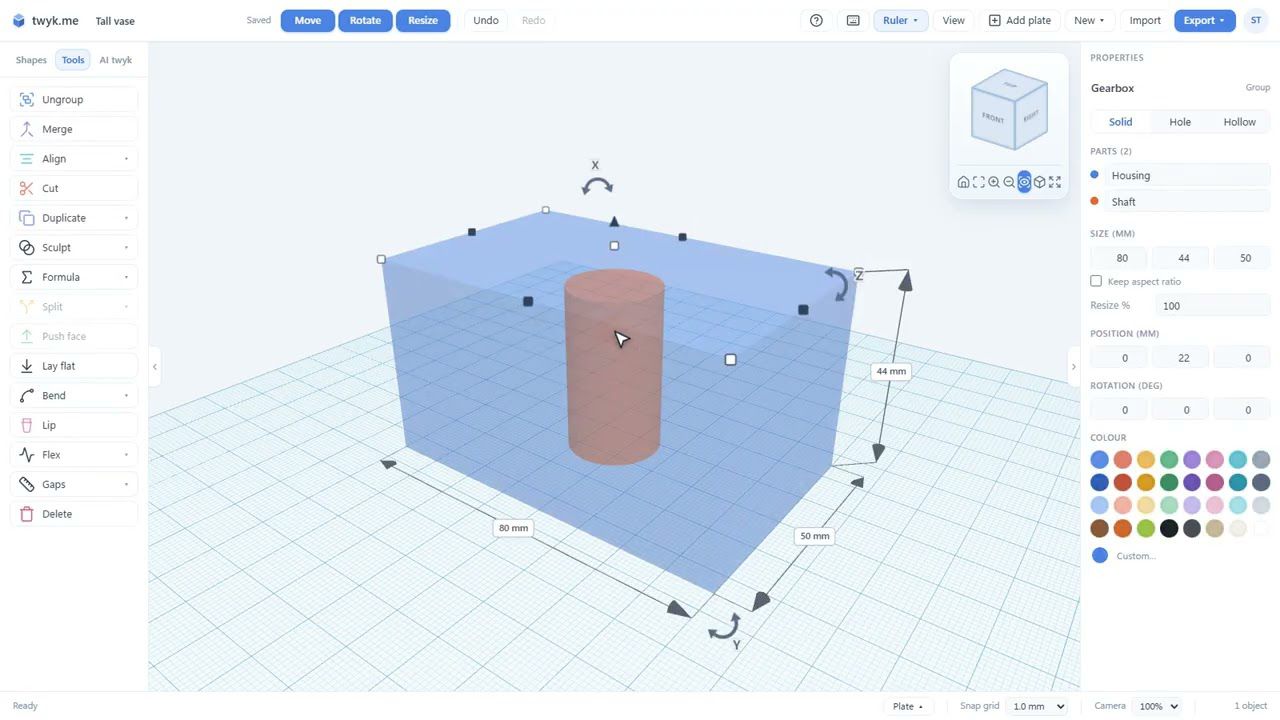
The tools that exist because a model has to print: hollow a shape out, roll a rim, cut a model in two and see inside it with X-ray.
Sculpt and Bend
Melt shapes together like clay with Sculpt, or twist, bend and taper a shape with Bend.
AI twyk
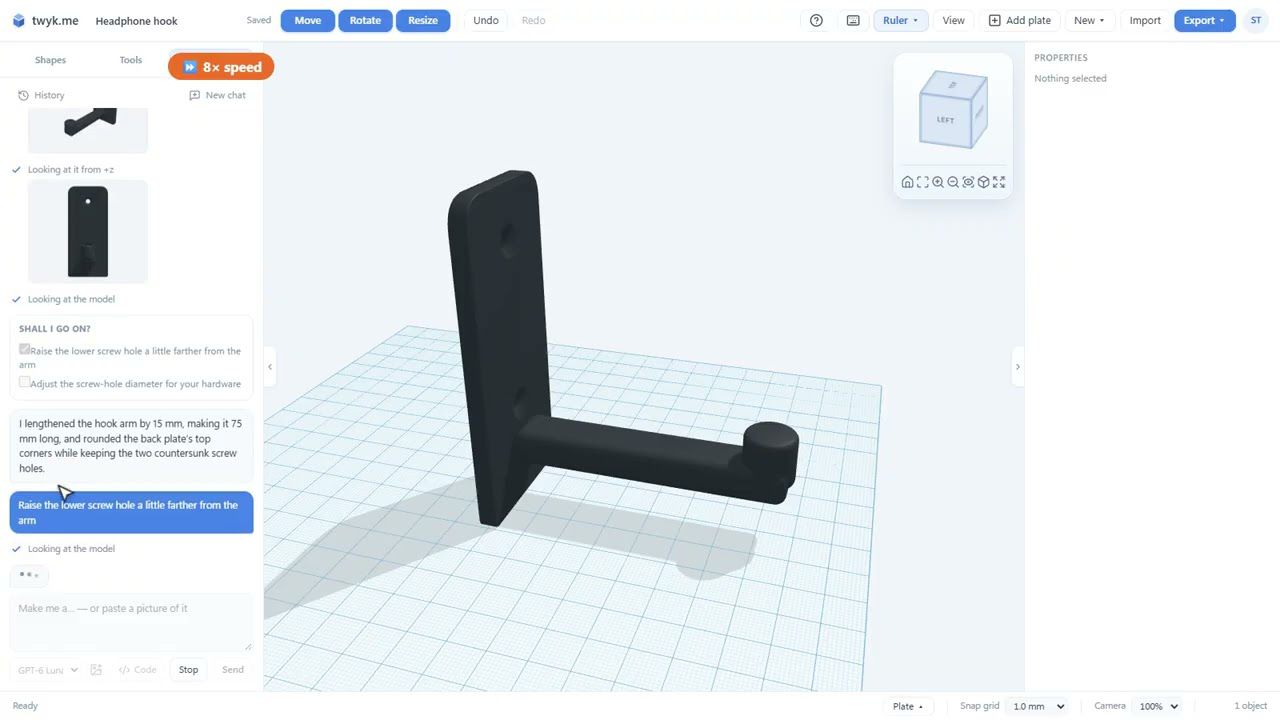
Describe what you want and AI twyk builds it with the same tools you use, so you can edit or undo every step. In the video its building is sped up 8x and 12x.
Build with code
Detailed models, like a lighthouse, are written as one program and checked before they are handed over.
Plates and export
Arrange parts on plates and export a 3MF ready for Bambu Studio, or an STL for any slicer.
Community
Share a model, or make your own private copy of one someone else shared and change it.
What you will learn
- What twyk is and who it is for
- Shapes, holes and Merge in under a minute
- 48 fonts, formula shapes and honeycomb tiles
- How to test a flexible part before printing
- Hollow, Lip, Cut, X-ray, Sculpt and Bend
- Plates and 3MF export for Bambu Studio
Want the written version? The help guide covers each tool in detail: Your first model · Shapes you can add · Importing and exporting · The community.
Ready to build it?
twyk is free and runs in your browser. Sign in with Google, open the editor and follow along.
Frequently asked questions
Is twyk really free?
Yes. twyk has no plans, payments or subscriptions. You sign in with a Google account and your models save to it as you go.
Do I need to install anything?
No. twyk runs in your web browser, so there is nothing to download or install.
What can I export to my slicer?
twyk exports 3MF, with separate, named, coloured parts and plates, or STL for any slicer. Sizes are always in millimetres.
Where should a complete beginner start?
Start with the desk caddy tutorial, the first in the twyk video series. It builds a real model step by step and covers the editor properly.