What the video compares
- Cutting a part in two, in Tinkercad and in twyk
- Lining parts up with each tool's Align
- Centring one part on the plate
- Even margins, and Square to the grid
Chapter by chapter
Cutting in two: Tinkercad
In the video Tinkercad has no Cut tool, so the usual way round it is used: hole boxes placed and sized to slice the part in two.
Cutting in two: twyk
The same job in twyk, using its Cut tool to split the part into two pieces.
Lining up: Tinkercad
Tinkercad's Align tool is good, and the video shows it at work.
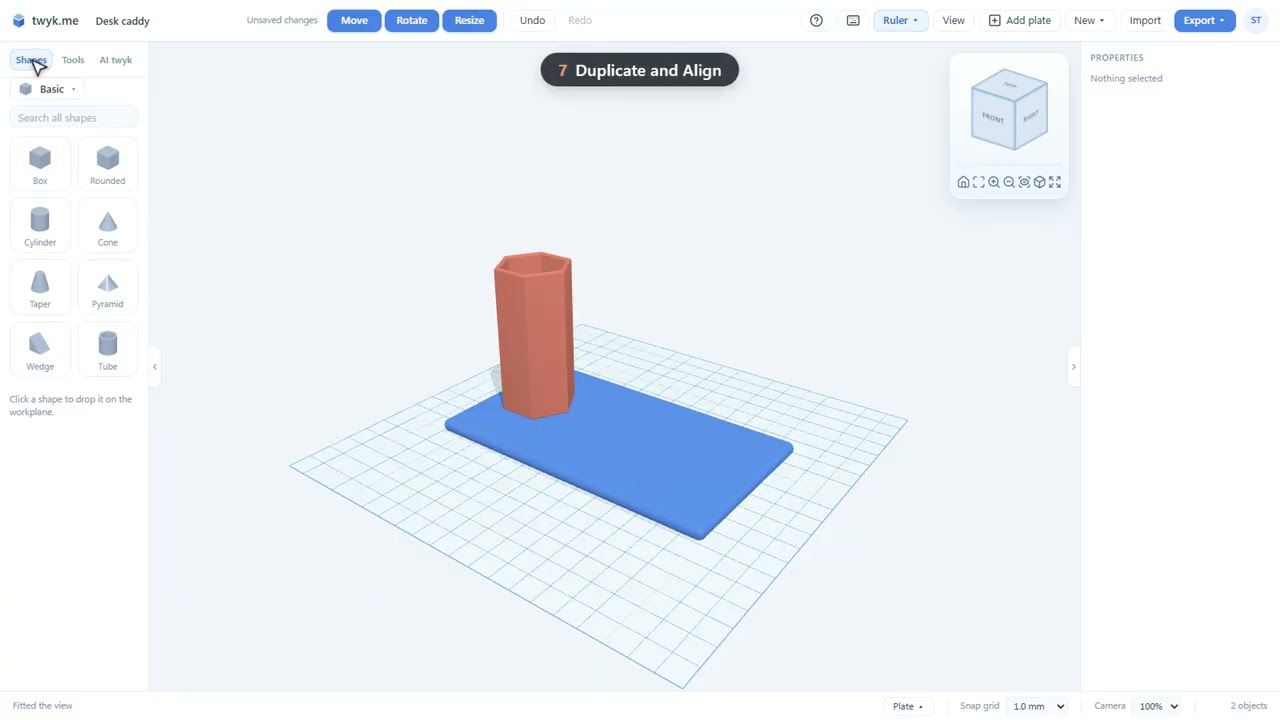
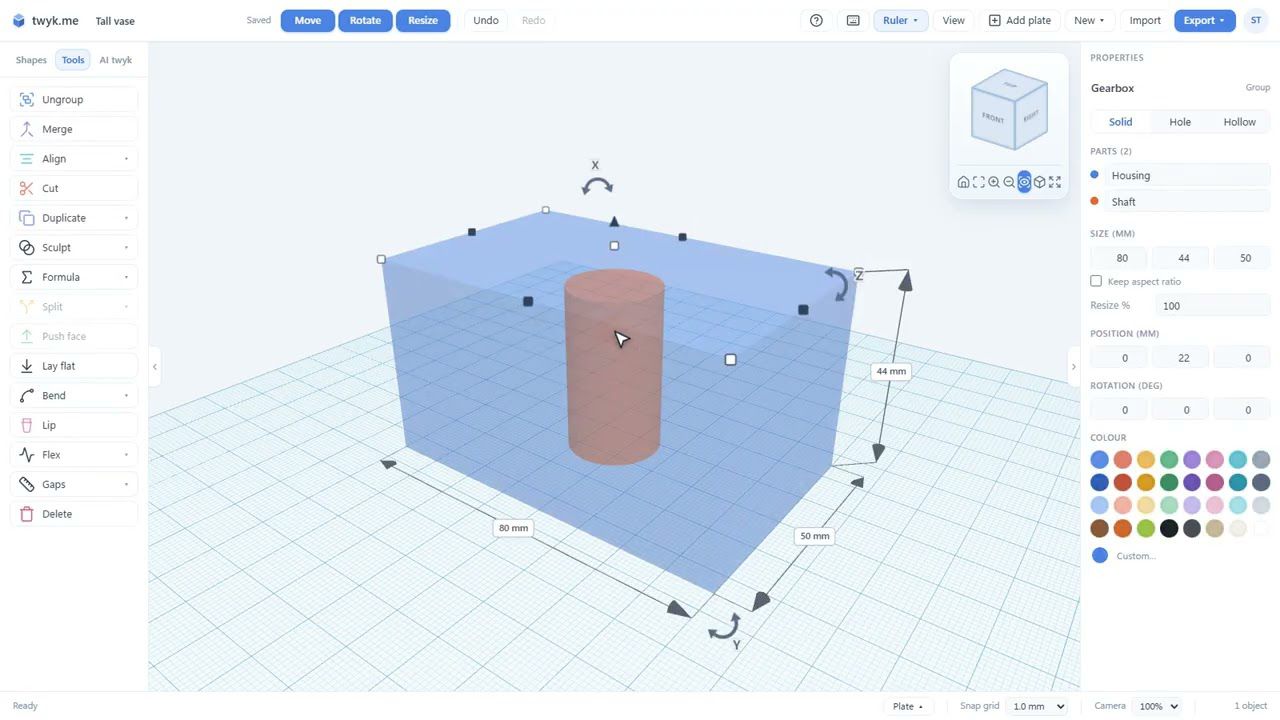
Lining up: twyk
The same lining-up job in twyk, plus what twyk adds on top of Align, such as centring one part on the plate.
Even margins
One of the extras twyk adds to Align: Even margins.
Square to the grid
Another of twyk's extras: Square to the grid.
Which does it better
The video closes by weighing up which tool does each job better.
What you will see
- How to cut a part in two in Tinkercad and in twyk
- How Align works in each tool
- Centring a part on the plate
- Even margins and Square to the grid
Tinkercad is a trademark of Autodesk, Inc. This video is not made with or endorsed by Autodesk. Tinkercad as it was when this was filmed.
Want the written version? The help guide covers each tool in detail: Cut for printing · Align · twyk vs Tinkercad.
Want to try it yourself?
twyk is free and runs in your browser. Sign in with Google, open the editor and try Cut and Align on your own model.
Frequently asked questions
Does Tinkercad have a Cut tool?
Not in this video: Tinkercad has no Cut tool, so the usual way round it is used, with hole boxes. This is Tinkercad as it was when the video was filmed.
What does twyk add on top of Align?
As the video shows, twyk adds centring one part on the plate, Even margins, and Square to the grid.
Do I need to know Tinkercad to follow this?
No. The video shows each job in both tools, one after the other.
Is this video made or endorsed by Autodesk?
No. Tinkercad is a trademark of Autodesk, Inc. This video is not made with or endorsed by Autodesk.